
Sign Up & Sign In
The first step to using the API Model Service: register an account, sign in, recover your password, and manage your profile.
Sign-up URL: https://api-model.shuntianchuang.cn/sign-up (also reachable via "Sign Up" at the bottom-right of the sign-in page).
Third-party sign-in via GitHub / WeChat etc. is not enabled on this site — only username & password registration and sign-in are supported.
Sign-Up Flow
-
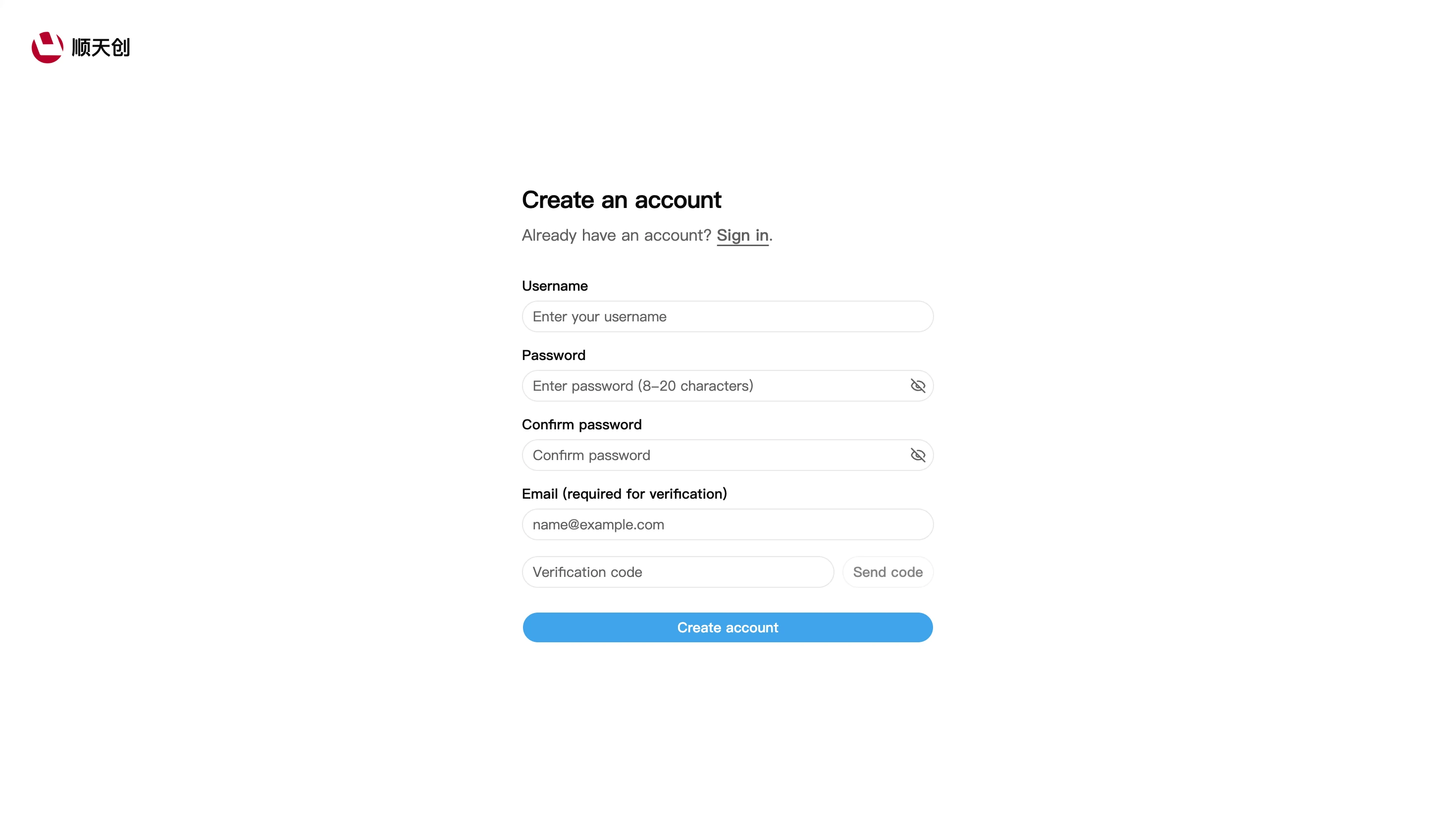
Open the sign-up page, titled "Create an Account".
-
Fill in the Username (used at sign-in).
-
Set a Password and re-enter it in Confirm Password: the password must be 8–20 characters.
-
Fill in the Email (required for verification) — used to receive verification codes and recover your password; it can also be changed later on the profile page.
-
Click "Send Code" below the email field, check your inbox for the code, and enter it in the "Verification Code" field (the code button only becomes enabled after the email field is filled in).
-
Click "Create Account" — after a successful sign-up you are signed in and taken to the console automatically.
If the verification email doesn't arrive, first check your spam folder. Common providers like QQ Mail / 163 may block these emails — add the platform's sender address to your contacts and retry. If it still doesn't arrive, report it via Contact Us.
Sign In
-
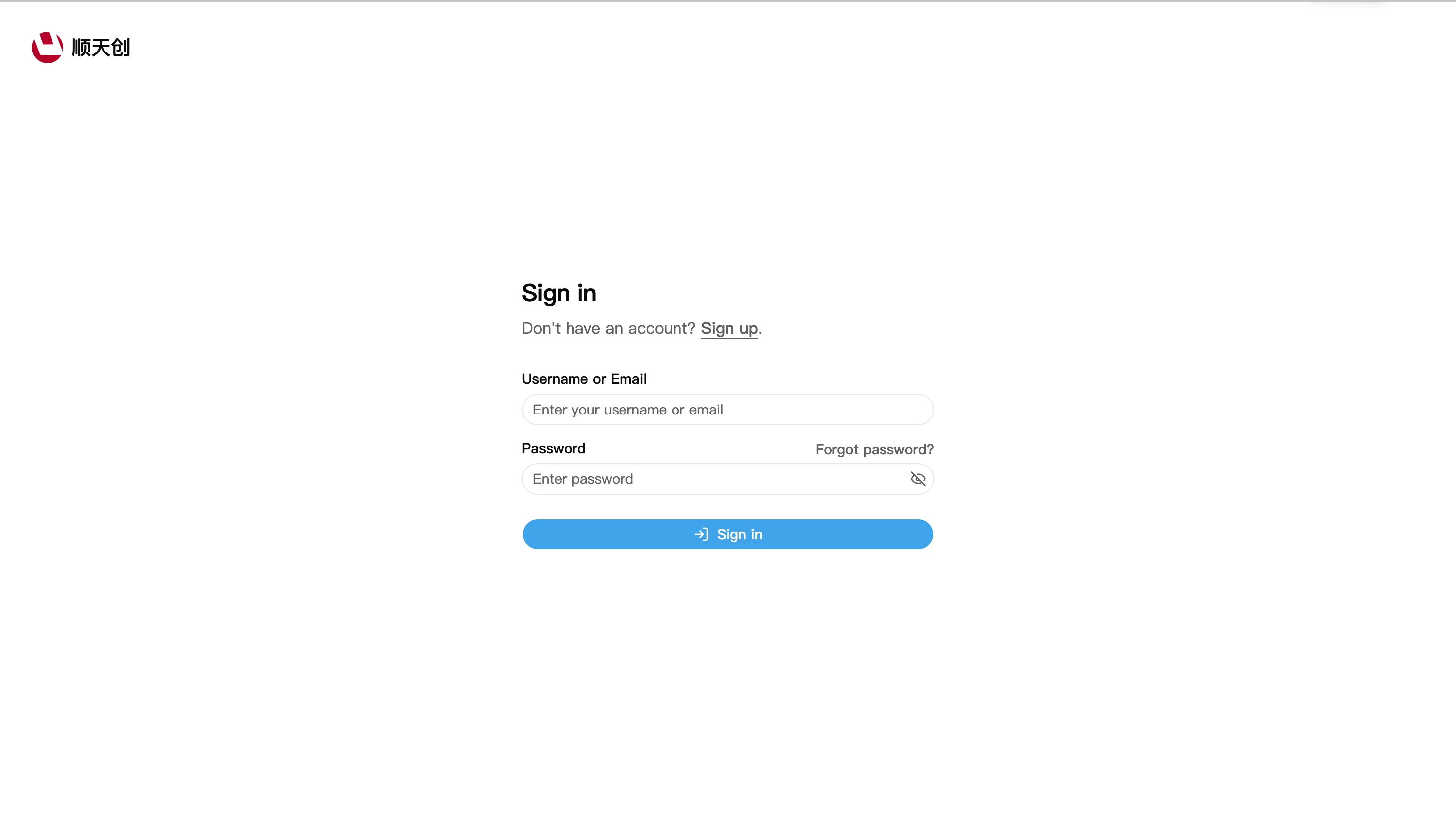
Open the sign-in page.
-
Enter your username or email and password (the icon on the right of the field toggles plaintext display).
-
Click "Sign In"; on success you land on the console overview page:
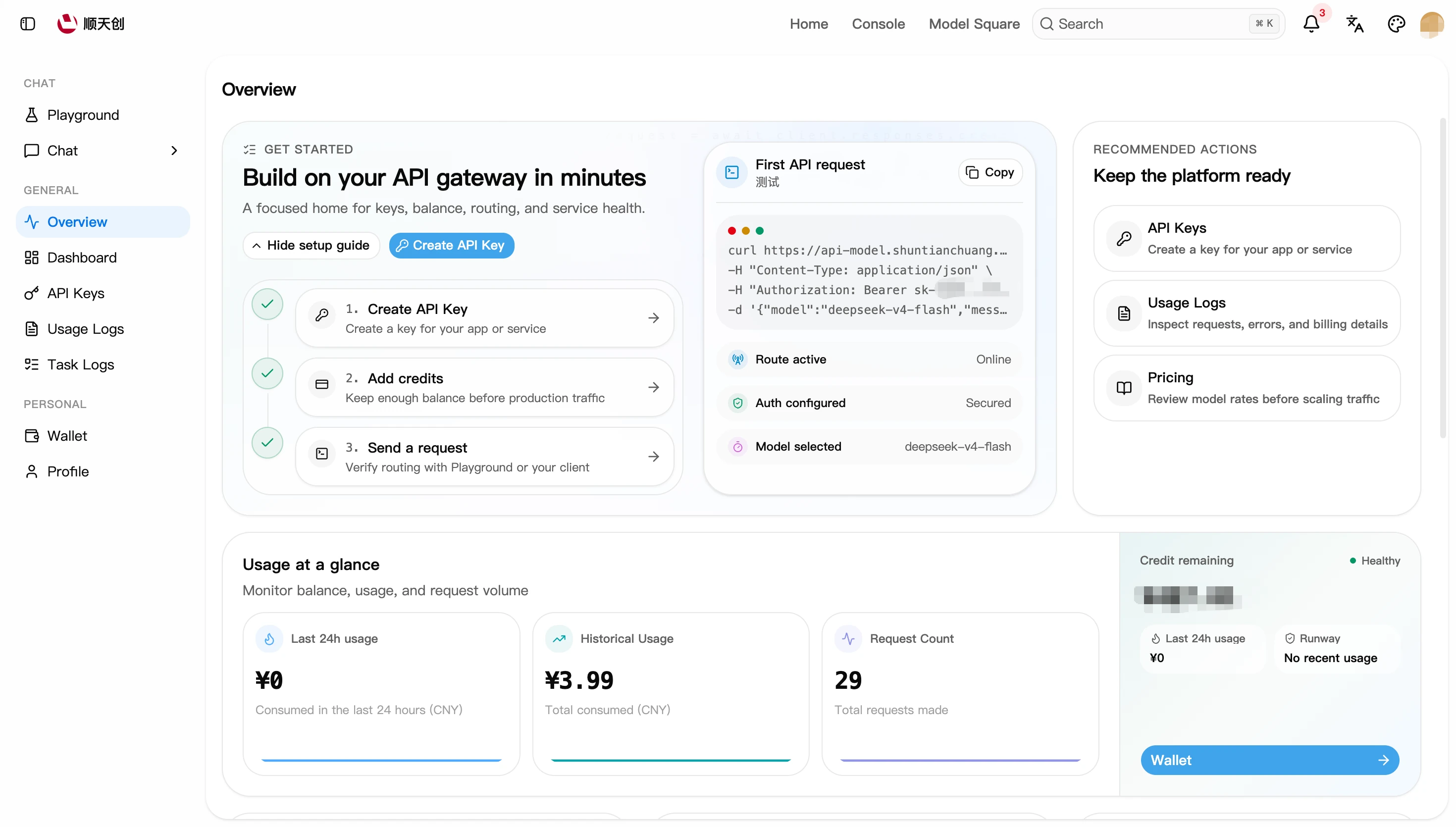
Sign-in sessions last 30 days by default (view and revoke them under "Login Sessions", see the profile section below), so you don't need to sign in repeatedly.
Forgot Password
-
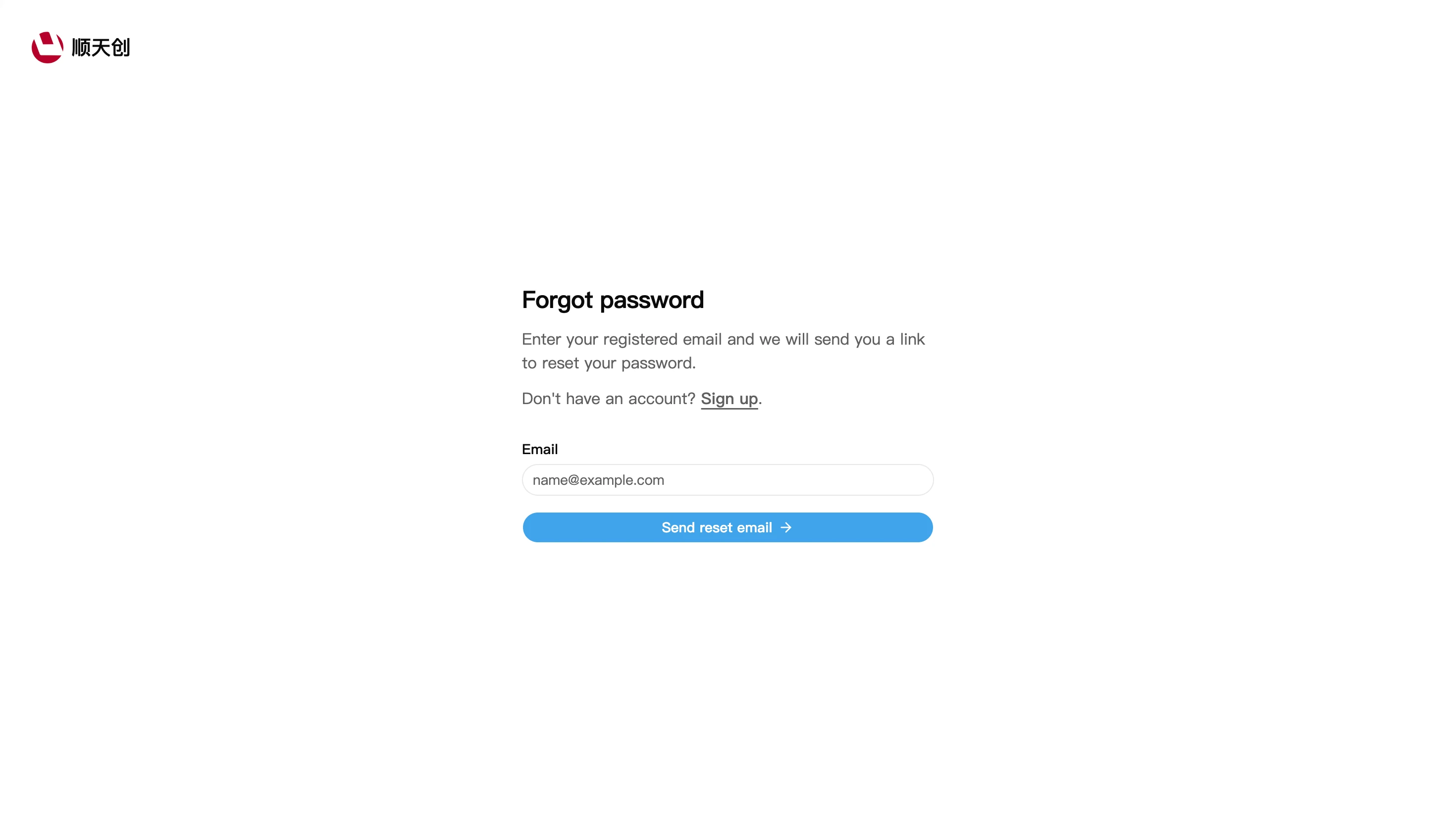
On the sign-in page, click "Forgot Password?" to open the recovery page.
-
Enter the email you registered with and click "Send Reset Email".
-
Check your inbox for the reset link and set a new password as prompted.
Profile
Entry: console → "Personal" → "Profile", or go directly to https://api-model.shuntianchuang.cn/profile.
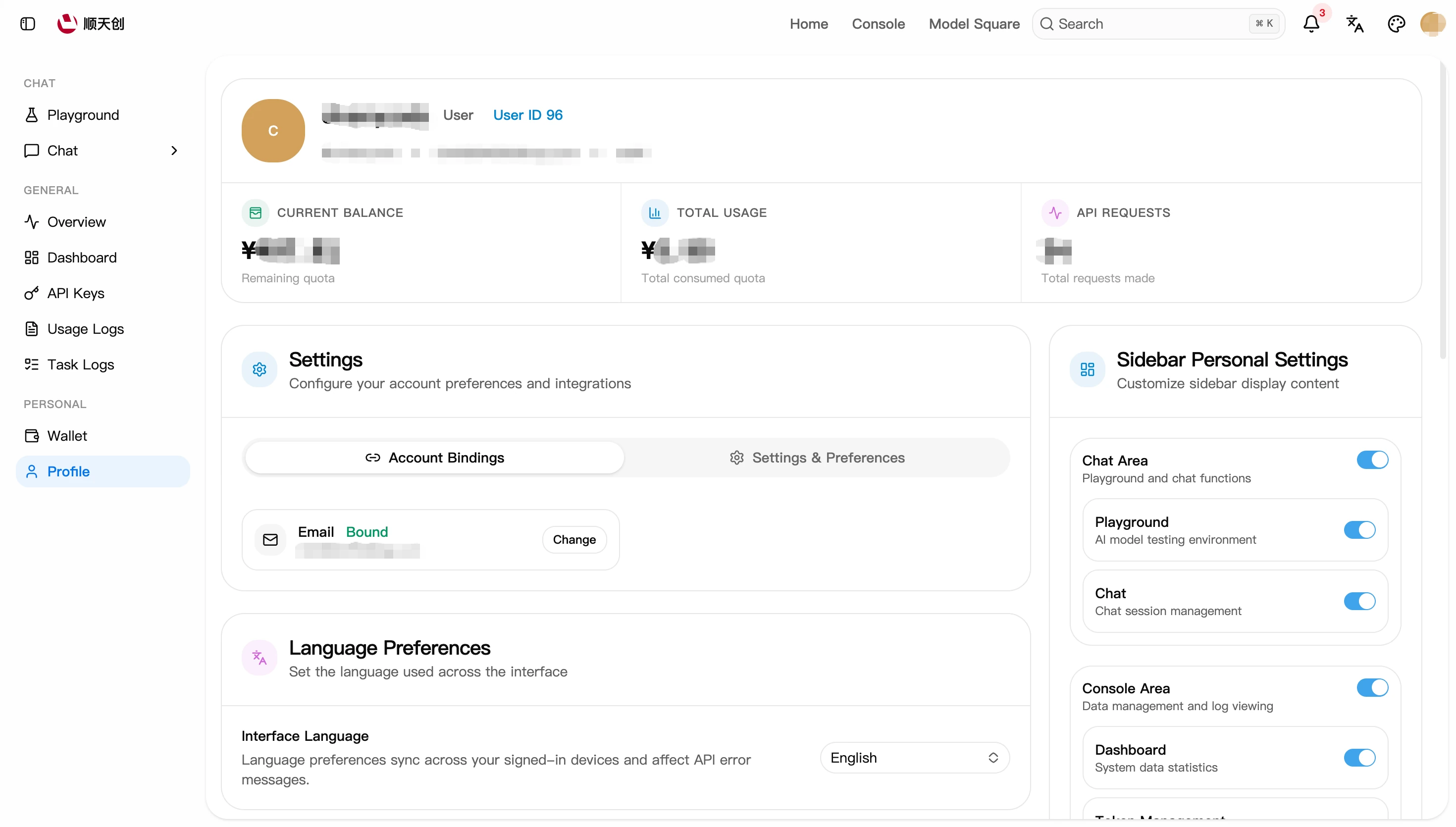
The top of the page shows your username, user ID, email, group, and balance/usage stats. The "Settings" area below has two tabs; common actions live under the "Account Binding" tab:
"Delete Account" permanently removes your account and all data. Before doing so, make sure your balance is used up and any important data has been exported.
Next Steps
- With your account ready, follow Quick Start to make your first call
- Account issues? See FAQ