
API Model Service
The API Model Service is the company's unified AI model API gateway: one API Key to call large models from many providers, with an API fully compatible with the OpenAI format — existing code can migrate by simply swapping the base URL and key.
Supported Capabilities
- Chat: single-turn / multi-turn conversations with streaming output (SSE)
- Multi-provider models: one key to call models including Qwen (Alibaba), DeepSeek, Kimi (Moonshot), GLM (Zhipu), Doubao (ByteDance), MiniMax, and Kling (Kuaishou)
- Multi-protocol endpoints: supports OpenAI Chat / Responses, Anthropic, Gemini, and other endpoint formats, so different clients can connect directly
- Embedding & rerank: text vectorization, retrieval reranking
- Vision multimodal: image understanding and Q&A
- Image generation: text-to-image, image-to-image, image editing
- Audio generation: speech synthesis, song / BGM generation, speech recognition
- Video generation: text-to-video, image-to-video
- Async tasks: submit and poll long-running tasks asynchronously
- Data export: usage logs can be exported for reconciliation
See Models for the full model list and pricing.
Console Tour
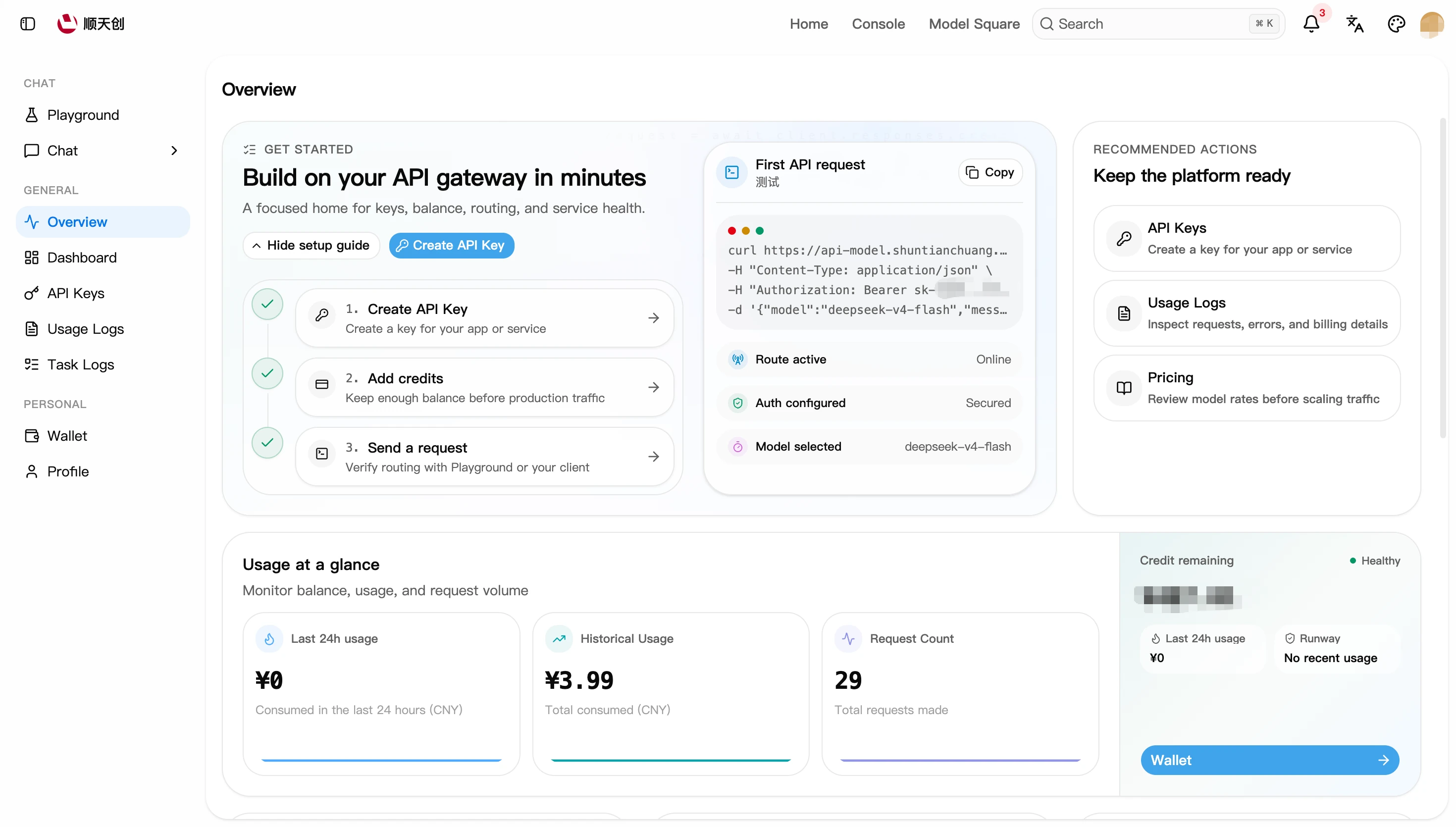
After signing in, the console's left-hand menu has three areas:
The overview page also shows the site's API base URLs and an entry point for latency testing:
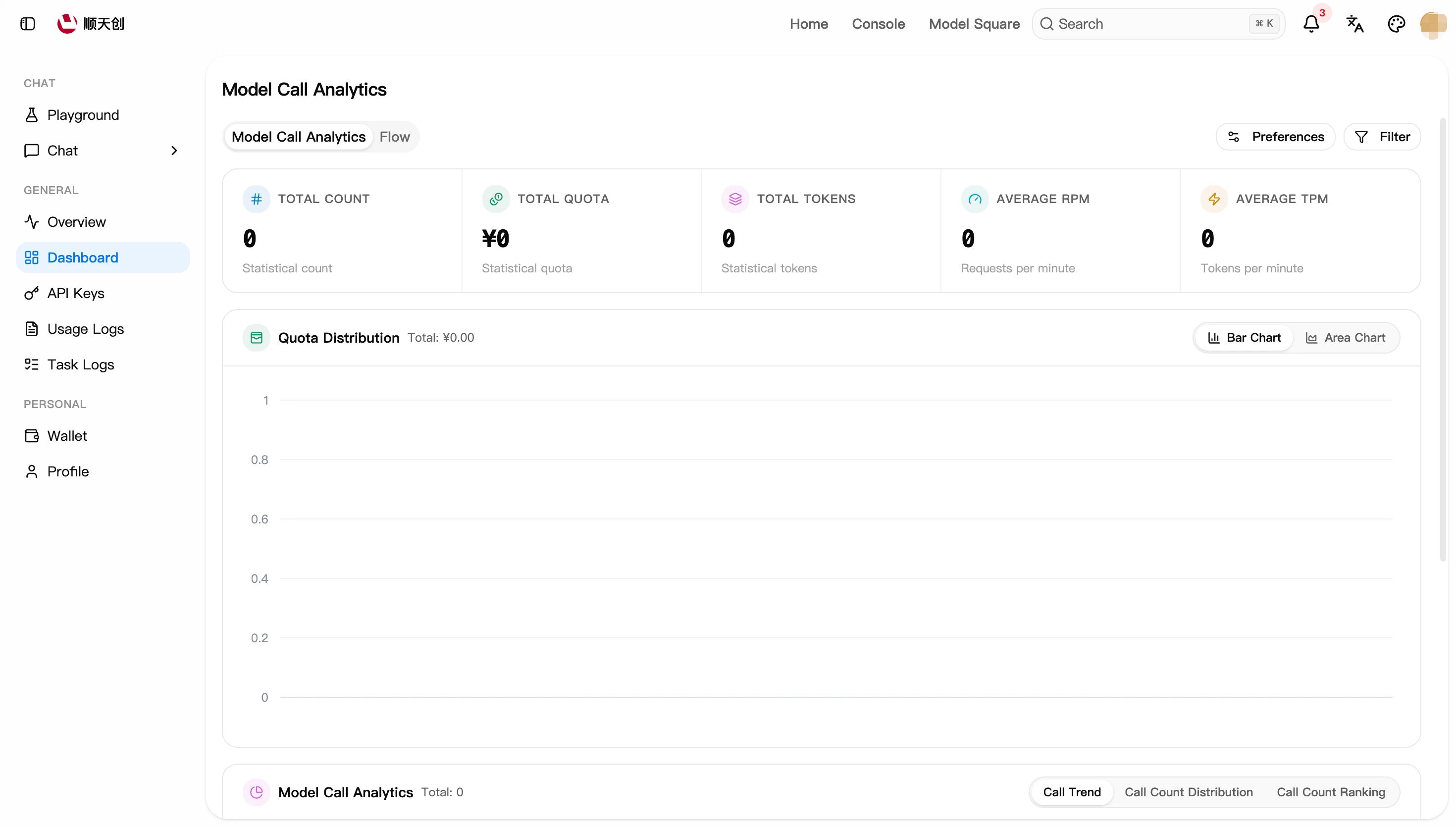
The dashboard provides model usage analytics (spend distribution, call trends, top models by call count) and routing statistics:
Three Steps to Get Started
- Create an API Key: create a call credential on the console's "API Keys" page → see API Key Management
- Top up: recharge your account via the official top-up platform → see Billing & Top-up
- Make a call: send your first request with any OpenAI-compatible client or SDK → see Quick Start
No account yet? Start with Sign Up & Sign In.