
CC Switch Setup
CC Switch is a desktop GUI tool for one-click switching between multiple API providers / gateways — ideal if you use several gateways and don't want to hand-edit environment variables or config files back and forth. Add this site as a provider, and one click switches between it and your other providers.
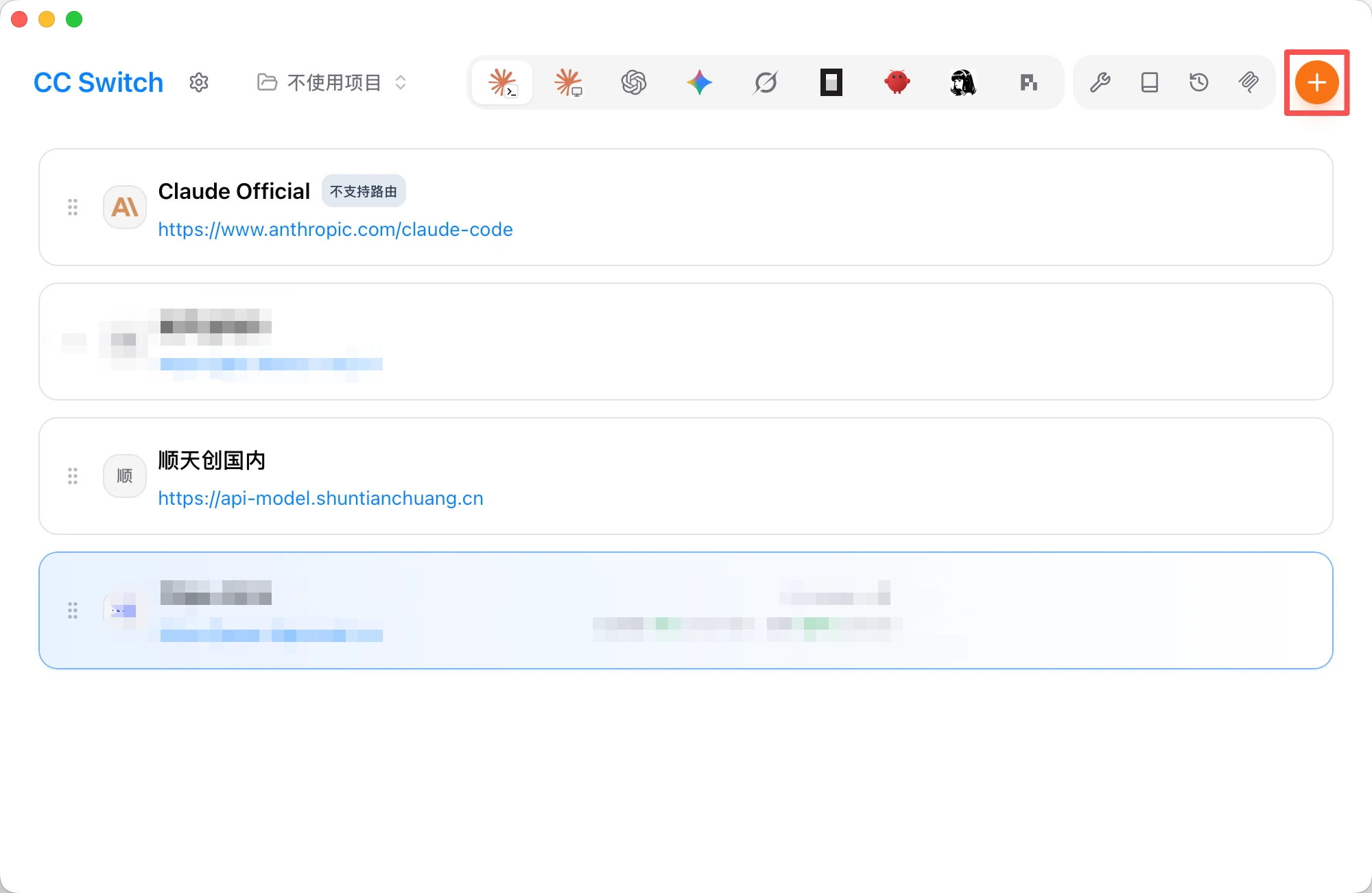
The main window is the provider list: each card shows the provider name and request URL, with the currently enabled card highlighted; the top bar offers project switching (default "No project") and other management features; the orange "+" button at the top-right adds a provider, and each card has buttons to enable / edit / copy / test / view stats / reorder / delete.
Adding This Site as a Provider
-
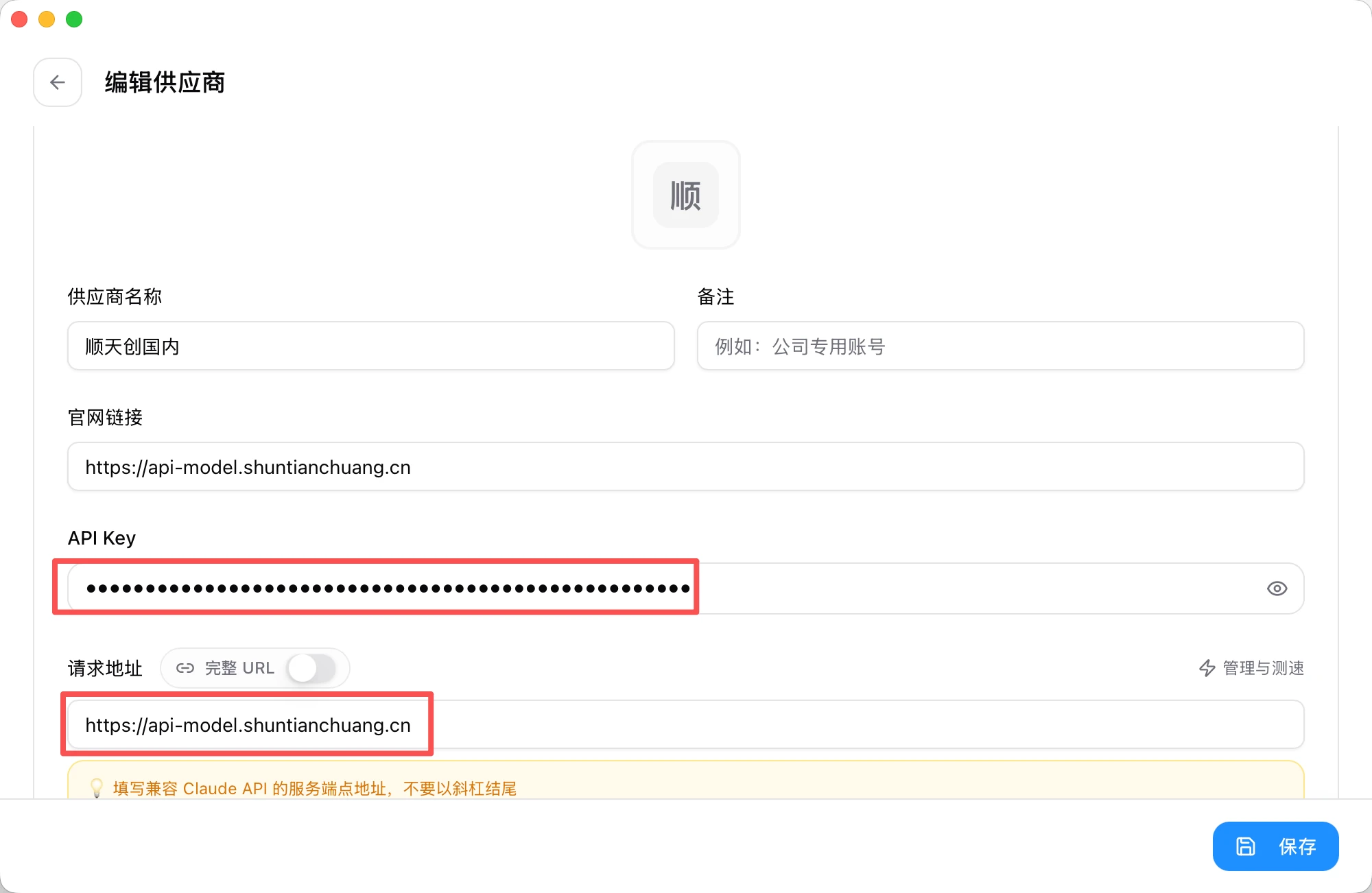
Click the orange "+" button at the top-right to open the "Edit Provider" window (adding and editing share the same form).
-
Fill in the form:
- Click "Save" — the site appears in the provider list.
Switching and Using
Click "Enable" on a provider card; the card highlights and the "Enable" button turns blue, meaning you've switched to this site:
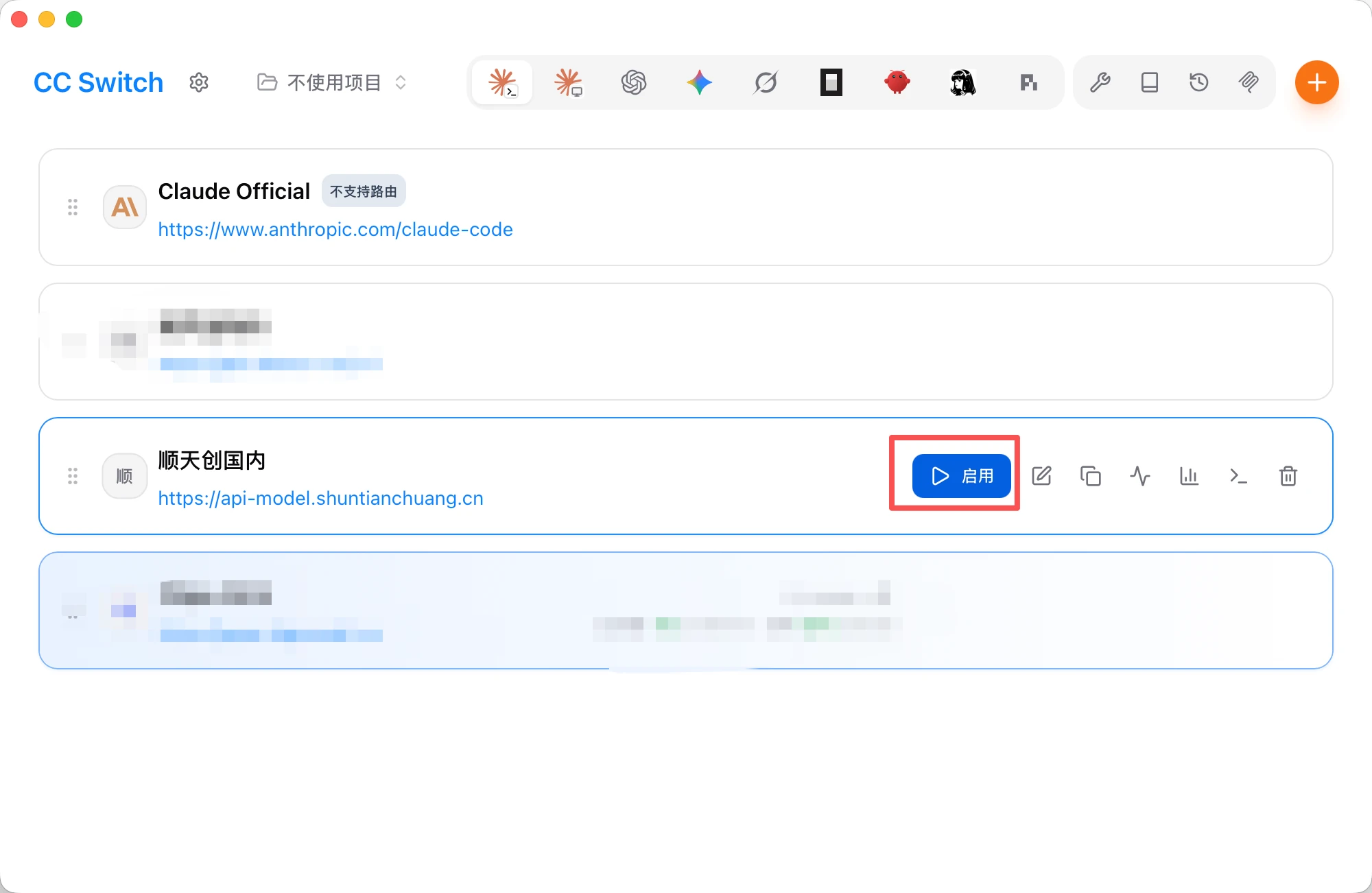
The switch is done automatically by CC Switch — no manual environment-variable editing needed. The card's "Test" button verifies connectivity, and "Stats" shows usage.
CC Switch is often used with Claude Code: switching providers switches ANTHROPIC_BASE_URL and the token. After switching to this site, Claude Code must use a model that supports the Anthropic endpoint — requirements in App Integration · Claude Code.